Atavism Tips and Tricks


This lesson explains how to automate the creation of stat profiles in a MySQL database. The process involves creating temporary tables, transferring data, and ensuring all stat profiles are linked to mob templates. Follow these step-by-step instructions.


Lesson Content

1. Prerequisites

Before starting, ensure you have access to a MySQL database and the following tables: mob_stat, stat, stat_profile, stat_profile_stats, and mob_templates. Familiarity with SQL commands is recommended.

2. Disable Strict SQL Modes

Temporarily disable strict SQL modes to avoid errors during processing:

SET SESSION sql_mode = (SELECT REPLACE(@@sql_mode, 'ONLY_FULL_GROUP_BY', ''));
SET SQL_SAFE_UPDATES = 0;

3. Step-by-Step Guide

Step 1: Backup and Clear mob_stat Table

Create a backup of the mob_stat table and truncate it for processing:

CREATE TABLE temp_mob_stat AS SELECT * FROM mob_stat;
TRUNCATE TABLE mob_stat;

Step 2: Create Temporary Table for Unique Stats

Create a temporary table to store unique stat sets for each mob template:

CREATE TEMPORARY TABLE unique_stat_sets (
mobTemplate INT NOT NULL,
unique_stat_set TEXT NOT NULL
);

Step 3: Extract Unique Stats

Insert unique combinations of stats and values into the temporary table:

INSERT INTO unique_stat_sets (mobTemplate, unique_stat_set)
SELECT
mobTemplate,
GROUP_CONCAT(CONCAT(stat, ':', `value`) ORDER BY stat SEPARATOR ',') AS unique_stat_set
FROM
temp_mob_stat
GROUP BY
mobTemplate;

Step 4: Create Stat Profiles

Generate stat profiles based on unique mob templates:

INSERT INTO stat_profile (isactive, `name`)
SELECT
1,
CONCAT('Profile_', mobTemplate)
FROM
unique_stat_sets;

Step 5: Assign Stats to Profiles

Insert stats for each profile:

INSERT INTO stat_profile_stats (profile_id, stat_id, `value`, level_increase, level_percent_increase, send_to_client, serverPresent, override_values)
SELECT
sp.id AS profile_id,
s.id AS stat_id,
ms.`value`,
0, -- Default level increase
0, -- Default level percent increase
1, -- Default send_to_client
1, -- Default serverPresent
CASE WHEN ms.`value` IS NOT NULL THEN 1 ELSE 0 END AS override_values
FROM
temp_mob_stat ms
INNER JOIN
stat s ON ms.stat = s.`name`
INNER JOIN
stat_profile sp ON CONCAT('Profile_', ms.mobTemplate) = sp.`name`;

Step 6: Add Missing Stats

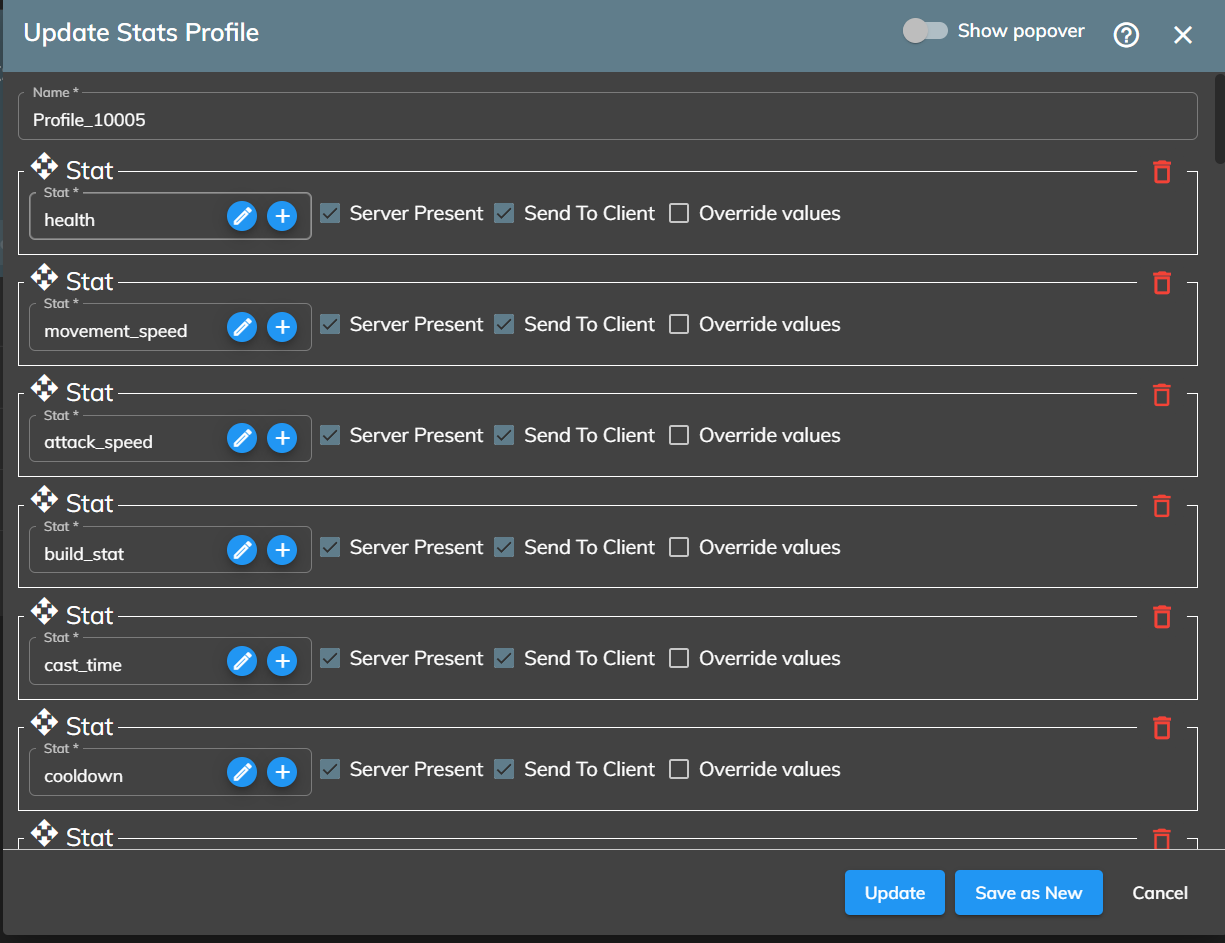
Ensure every profile includes all stats with default values:

INSERT INTO stat_profile_stats (profile_id, stat_id, `value`, level_increase, level_percent_increase, send_to_client, serverPresent, override_values)
SELECT
sp.id AS profile_id,
s.id AS stat_id,
0, -- Default value
0, -- Default level increase
0, -- Default level percent increase
1, -- Default send_to_client
1, -- Default serverPresent
0 -- Default override_values
FROM
stat_profile sp
CROSS JOIN stat s
LEFT JOIN stat_profile_stats sps
ON sp.id = sps.profile_id AND s.id = sps.stat_id
WHERE
sps.stat_id IS NULL;

Step 7: Link Stat Profiles to Mob Templates

Update the mob_templates table to associate each mob template with its stat profile:

UPDATE mob_templates mt
JOIN (
SELECT
ms.mobTemplate AS mob_template_id,
sp.id AS stat_profile_id
FROM
temp_mob_stat ms
INNER JOIN stat_profile sp
ON sp.`name` = CONCAT('Profile_', ms.mobTemplate)
GROUP BY ms.mobTemplate
) AS mapped_profiles
ON mt.id = mapped_profiles.mob_template_id
SET mt.stat_profile_id = mapped_profiles.stat_profile_id;

4. Re-enable Strict SQL Modes

Revert the changes to the SQL mode and safe updates:

SET SESSION sql_mode = CONCAT(@@sql_mode, ',ONLY_FULL_GROUP_BY');
SET SQL_SAFE_UPDATES = 1;

5. Summary

This SQL script automates the process of:

  • Backing up and truncating the mob_stat table.
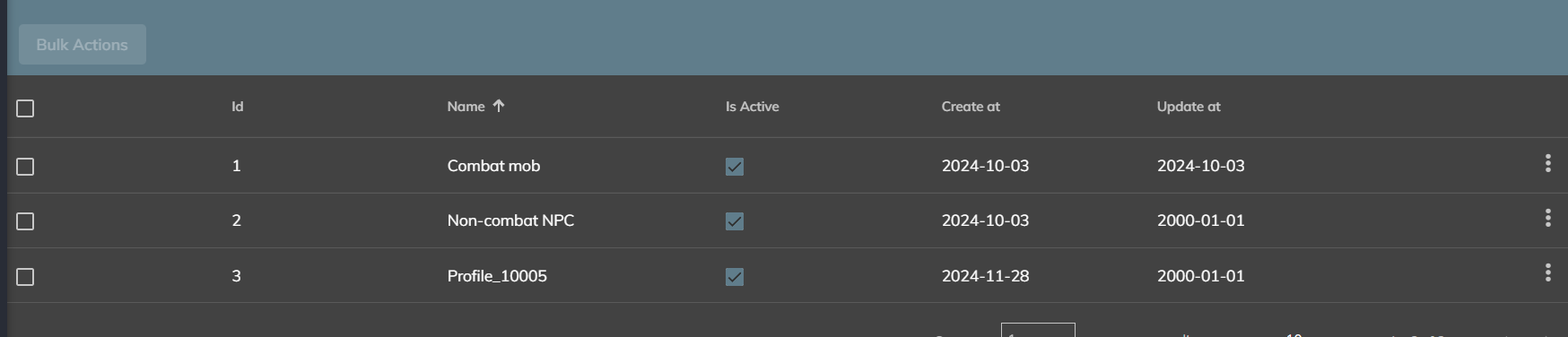
  • Creating stat profiles for unique mob templates.
  • Populating missing stats with default values.
  • Linking the profiles to mob templates for easy access.