Database Connection
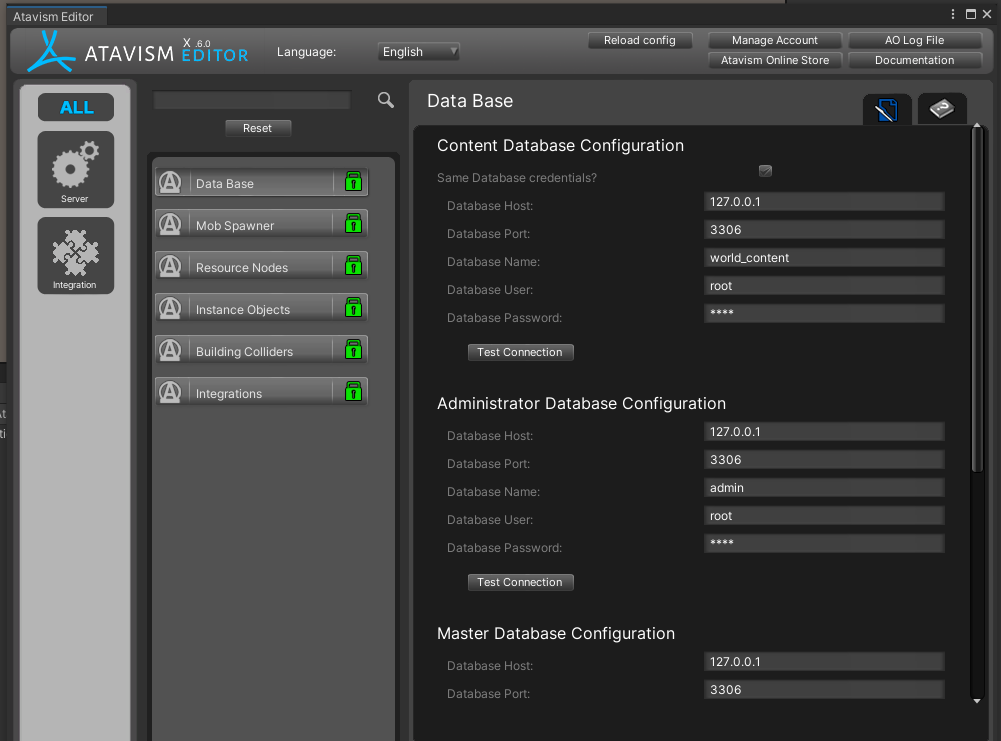
This requires that your database connection be filled out properly to your database server. Either use the internal or the external editor to set these values for your database. Verify connection and set the value for all the databases unless you have a user for each database type. The system will not be able to load the values that it needs to display the equipment and characters without this properly set.
Atavism Characters

Atavism Mob Object
This field is the mob’s prefab that is defined in the database for this particular mob. Clicking on this will load this in the scene hierarchy.
Atavism Mob Object Name
This field is the mob’s name that is defined in the database for this particular mob. Changing this will have no effect, it is purely for identification purposes.
Atavism Mob Object Path
This is the project path location of the prefab that is loaded for the character.
Folder Paths

This is the path to the folder containing the Equipment displays. The application will load any display found in this path and any child path. You can load any number of folders in this manner. Use a child path to load only the equipment displays in that specific folder.
Spawned Objects
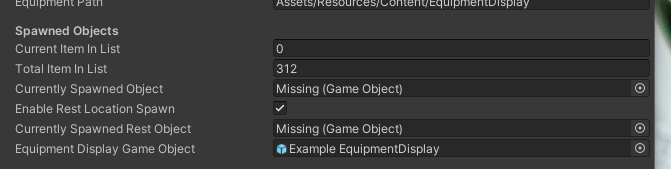
Current Item In List
This is the number of the currently displayed item in the list. You can manually change this number and it will load the item at that location. If you have a large number of items, this will help you move through the list quickly.
Total Item In List
This is the total number of items that are inside of the equipment display folder set above and all of the child objects. Drill down to a child folder to limit the number of items that are loaded into this location.
Currently Spawned Object
This is the currently spawned equipment display item that is loaded onto the character at the moment.
Enable Rest Location Spawn
This will cause an additional object to appear in the slots defined rest location. The application will save the rest location if it is modified in the scene.
Currently Spawned Rest Object
This is the currently spawned equipment display rest item that is loaded onto the character at the moment.
Equipment Display GameObject
This is the currently loaded equipment display item. Clicking on this will take you to the object in the project hierarchy.
System Toggles
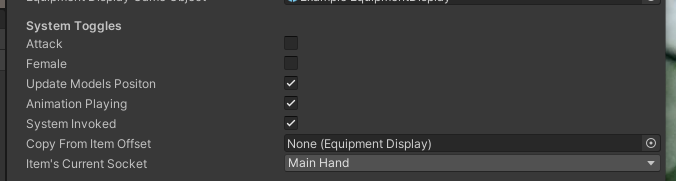
Attack
Female
Update Models Position
Animation Playing
System Invoked
Copy from Item Offset
Items Current Socket
Animation Buttons

Start Animation
This causes the animator to cause the animation sequence that is currently loaded onto the character to play.
Pause Animation
This pauses the animation in the current frame and allows you to start the animation from this point again by clicking Start Animation.
Reset Everything
This forces the system to wipe any existing settings, reload the characters from the database and reload the equipment display items that are in the folder structure. This should be the first thing you do when loading the scene and anytime you feel there is an issue with the current characters or equipment that is loaded.
Stop Animation
This will cause the animation to stop and be reset, forcing it to reset any existing sequence that is currently loaded onto the character.
Character and Equipment Buttons

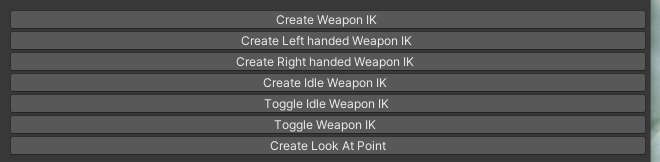
IK Handling Buttons
Scale Options

Atavism Item Data

Animation Sequence

Animation Sequence Map Trigger
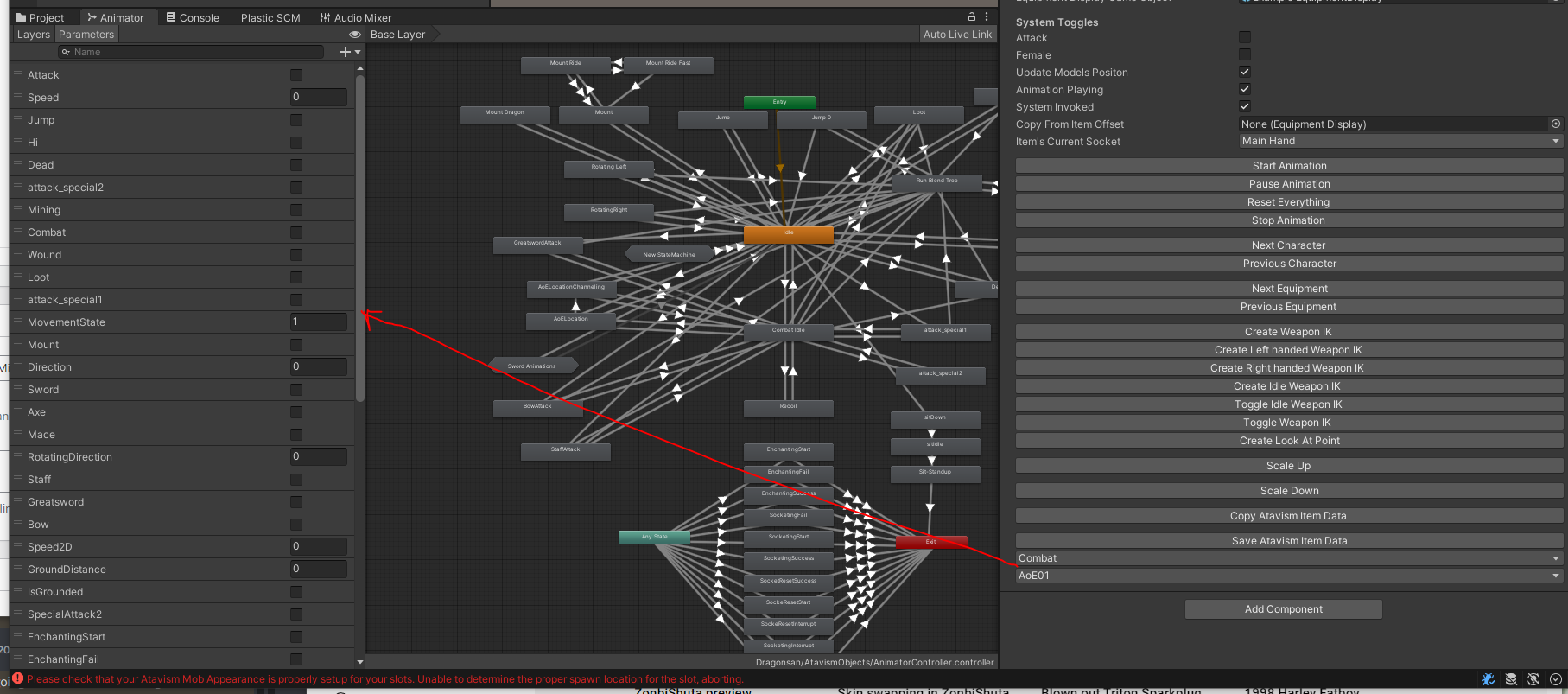
The animation sequences are loaded from the models animation controller. Some items require that two values be selected Combat – Sword will place the model in the Sword, combat loop and play that sequence.