Log into MySQL at the command line by typing the following and hitting enter. If this is the local server instead of a remote,
| sudo mysql -u root –p |
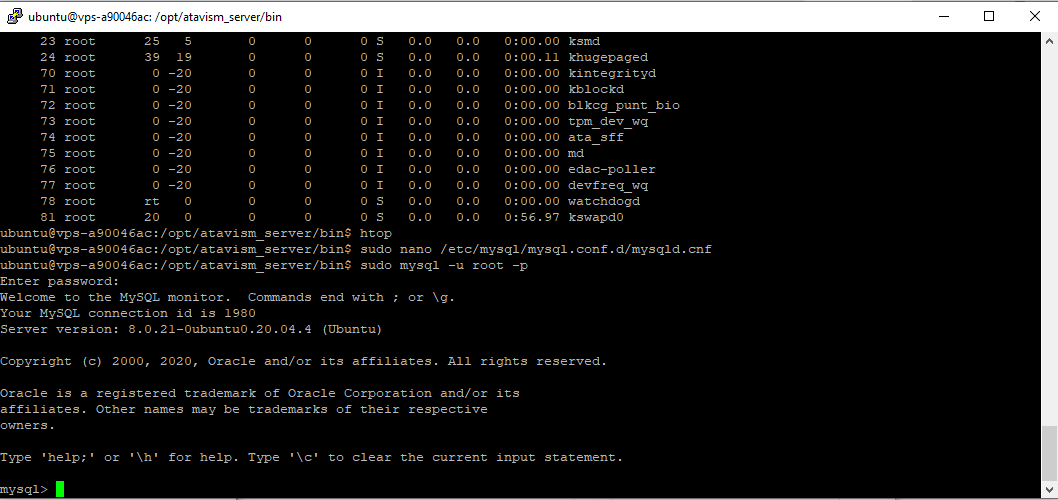
At the MySQL prompt, run the following commands. Make sure to change ‘YourPasswordHere’ to a properly secure password.
| CREATE USER ‘websiteuser’@‘localhost’ IDENTIFIED WITH mysql_native_password BY ‘YourPasswordHere’; CREATE USER ‘websiteadmin’@‘localhost’ IDENTIFIED WITH mysql_native_password BY ‘YourPasswordHere’; CREATE DATABASE wordpress;
|