CC4 Python is missing several things. First we need to install PIP which will allow us to access other scripting functionality.
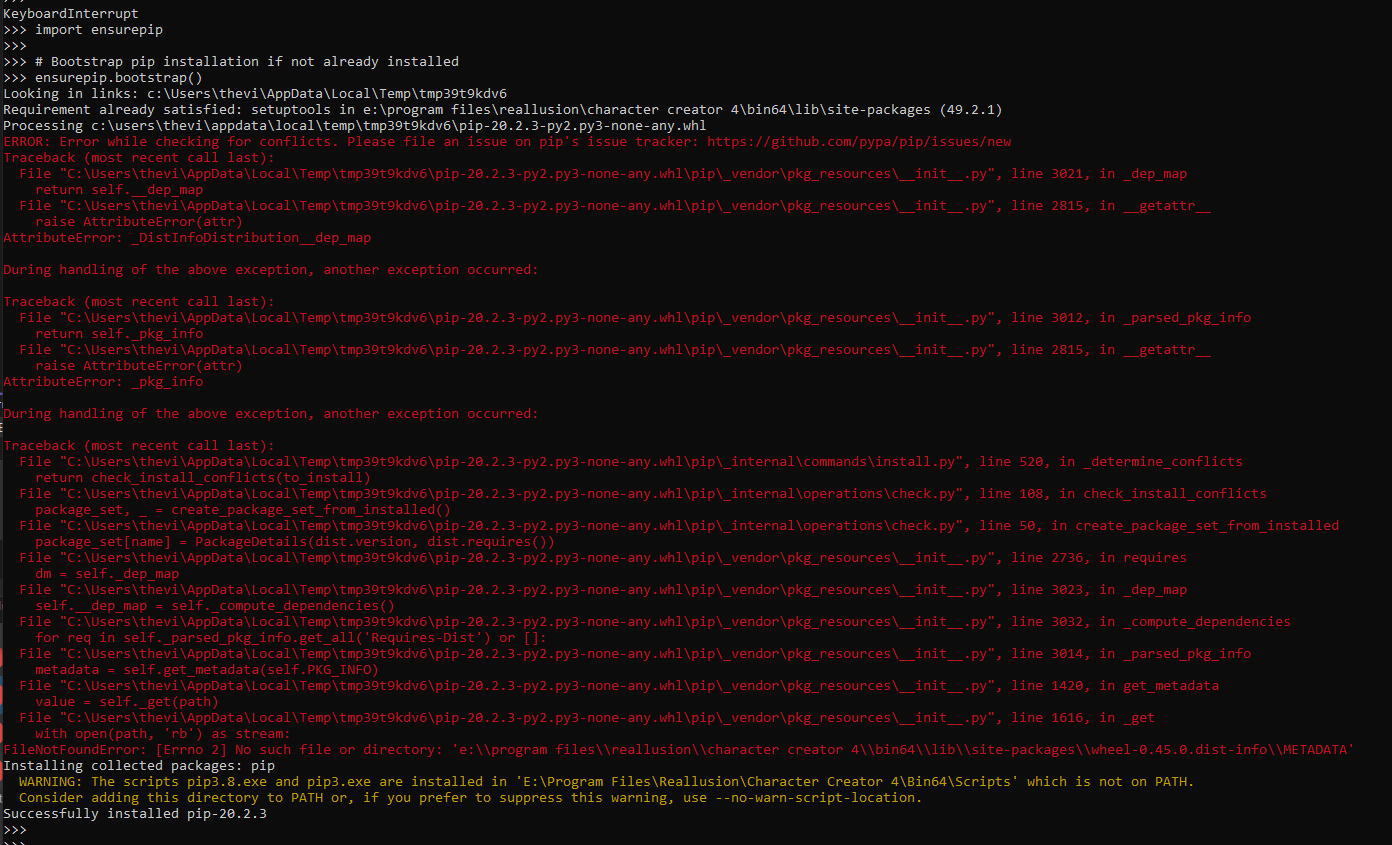
Open the Python tool here C:\Program Files\Reallusion\Character Creator 4\Bin64\CharacterCreatorpy.exe and execute the following. You might get an error, but it should install PIP
import ensurepip
# Bootstrap pip installation if not already installed
ensurepip.bootstrap()
Installing collected packages: pip
WARNING: The scripts pip3.8.exe and pip3.exe are installed in ‘E:\Program Files\Reallusion\Character Creator 4\Bin64\Scripts’ which is not on PATH.
Consider adding this directory to PATH or, if you prefer to suppress this warning, use –no-warn-script-location.
Successfully installed pip-20.2.3
Check to determine if PIP is installed.
import subprocess
import sys
try:
# Try checking pip version to ensure it’s installed
subprocess.check_call([sys.executable, “-m”, “pip”, “–version”])
print(“pip is installed and ready to use!”)
except subprocess.CalledProcessError as e:
print(f”pip verification failed: {e}”)
Install Assimp
Download and install Assimp
https://kimkulling.itch.io/the-asset-importer-lib
Copy the files from here C:\Program Files\Assimp\bin\x64 to the site packages folder for pyassimp E:\Program Files\Reallusion\Character Creator 4\Bin64\Lib\site-packages\pyassimp