Installing or updating the Addon has never been easier. Simply download the latest pack and import the custom package, over writing any files it finds. As always, make a backup of your project files before.
Updates the following core files:
Assets/Dragonsan/AtavismEditor/Editor/Interfaces/Google.Protobuf.dll
Assets/Dragonsan/AtavismEditor/Editor/Interfaces/MySql.Data.dll
Assets/Dragonsan/AtavismEditor/Editor/EditorCore/Libraries/DatabasePack.cs
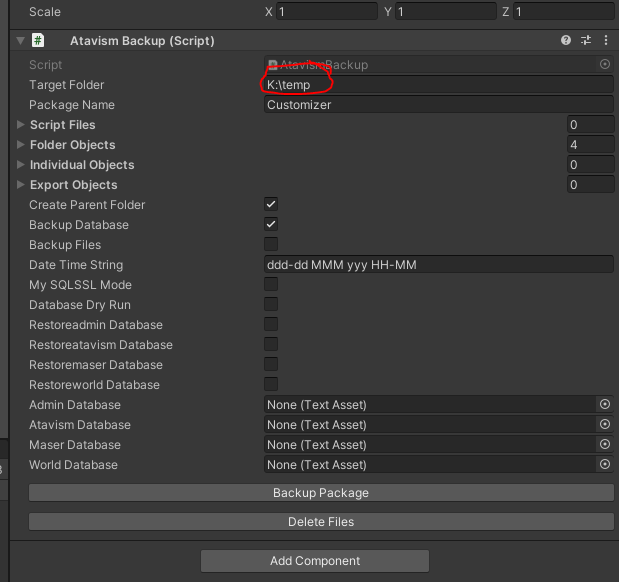
Backup Files
The addon keeps backup files in two locations, one is internally at the path Assets/HNGamers/AtavismBackup/Backups/SQL for easy loading into the restore feature. The second is in your external file location selected in the Addon.